🎭 Brat Snaps Webcam Widget
A playful retro-styled webcam app, ‘Brat Snaps’ built with p5.js, featuring custom visual filters, simple ML-powered face detection, and a grid-based snapshot gallery.
🧠 Concept
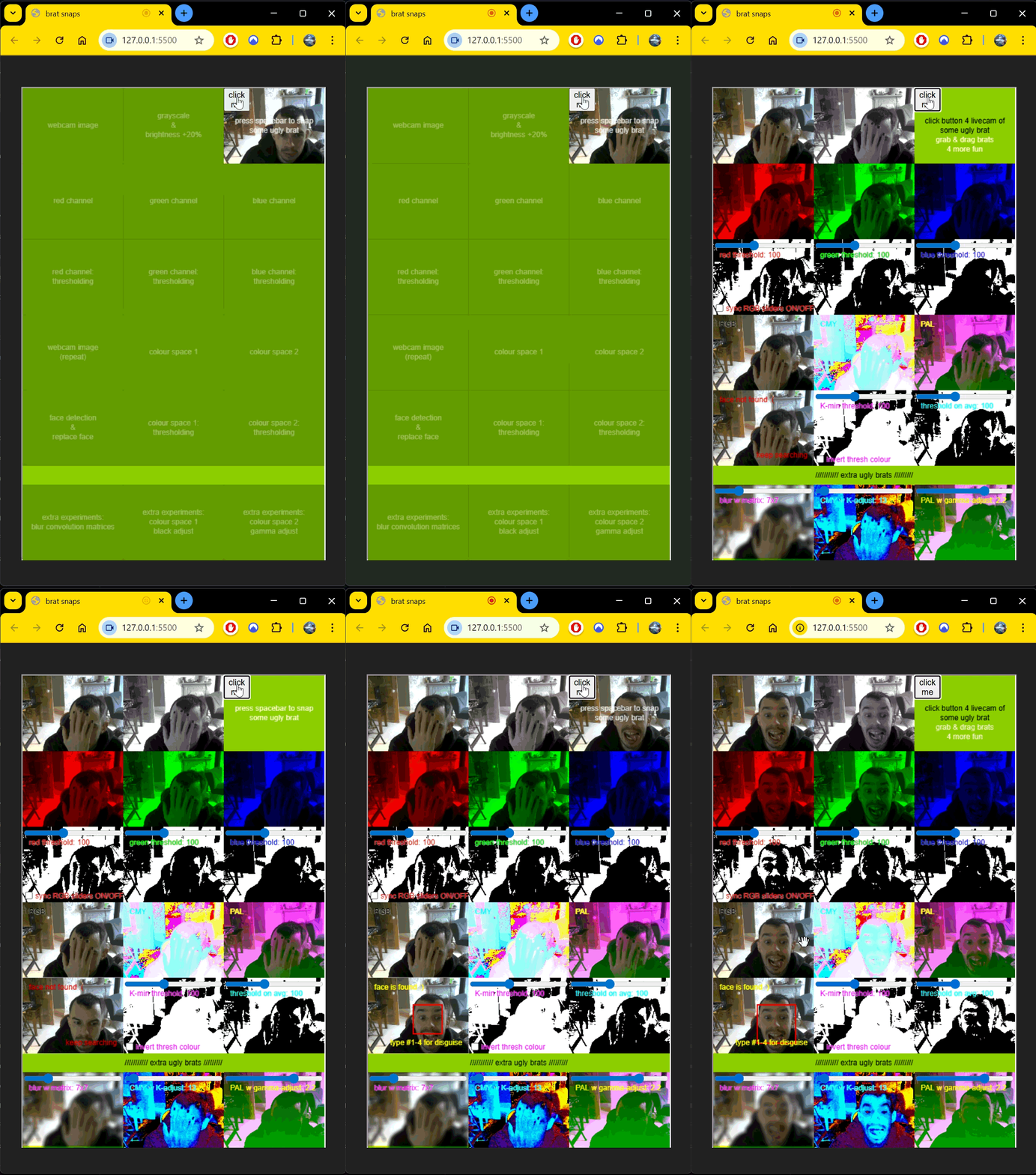
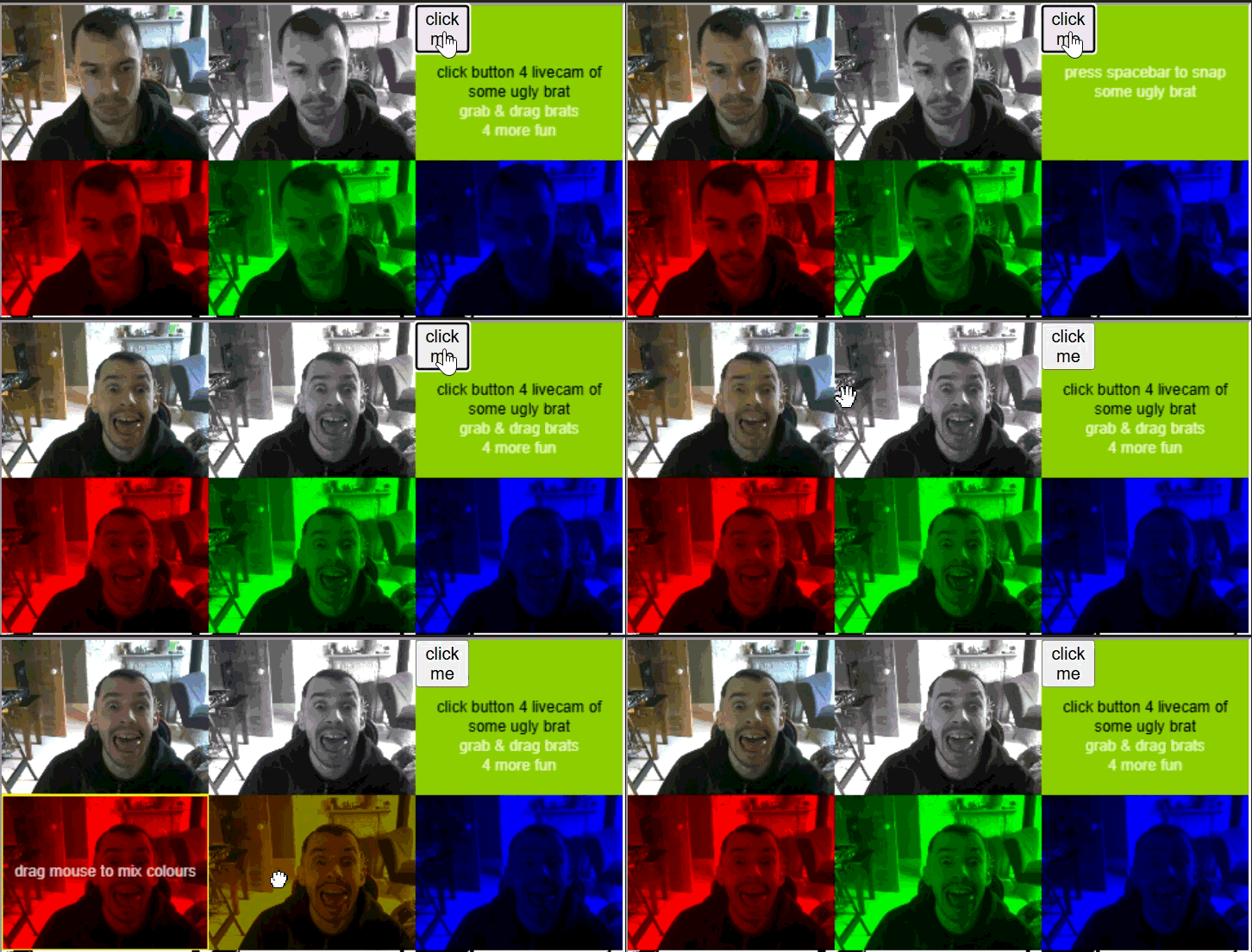
Brat Snaps is a lightweight javascript graphics app designed around a deliberately kitschy ‘brat-summer green’ aesthetic. The idea was simple: take a webcam photo, then instantly generate a 3x6 grid of stylised variations of your face.
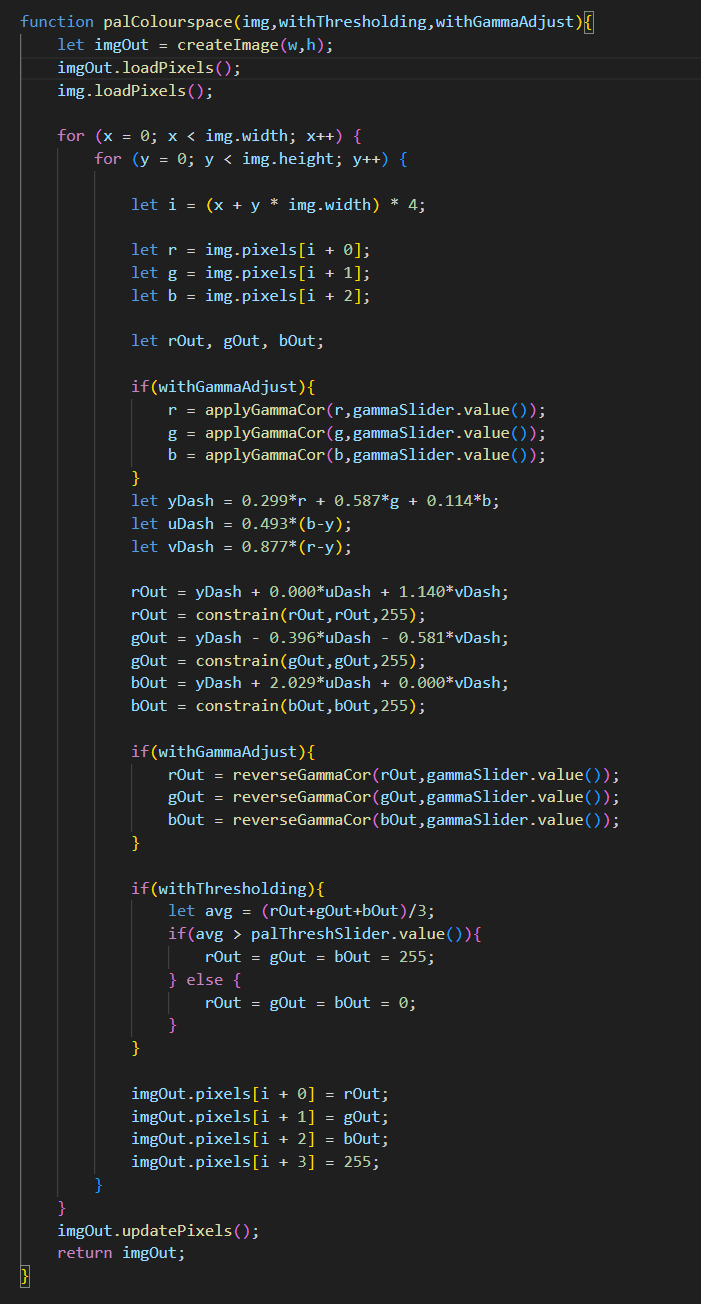
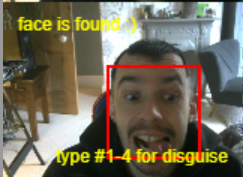
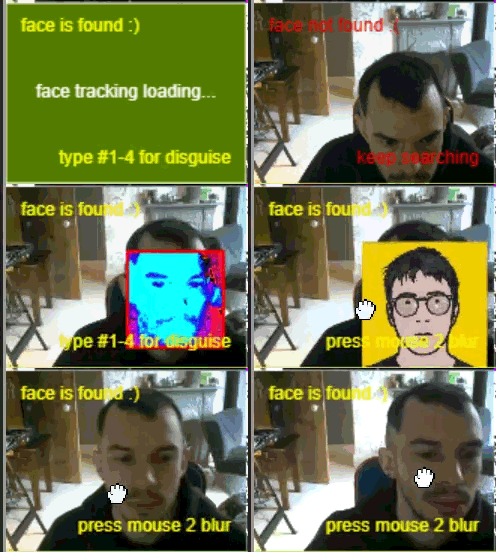
Each tile applies a different visual effect - some built using p5.js native tools, others implemented from scratch after researching analogue video systems (PAL), colour-space transformations (CMYK), gamma adjustment, and blur techniques. One tile uses a machine-learning model (objectdetect) to detect a face and let the user swap it for something else, adding a playful, slightly chaotic twist.
🧩 My Role
- Designed the visual identity and retro UI aesthetic
- Implemented webcam capture and snapshot logic in p5.js
- Built a 3x6 grid renderer for displaying processed images
- Created custom filters (PAL distortion, gamma adjust, CMYK split, blur)
- Integrated objectdetect to detect faces and enable face-swap behavior
- Wrote minimal HTML scaffolding to host the app clearly in the browser
🛠️ Tech Stack
p5.js • VS Code • JavaScript • HTML • objectdetect (ML model) • Custom image-processing algorithms
🔧 Process
Goal
To build a simple, browser-based webcam app that generates a playful grid of stylised self-portraits using both built-in and custom image-processing techniques.
Constraints
- p5.js image-processing pipeline is lightweight and not optimised for heavy effects
- ML model needed to run client-side and remain responsive
- Aesthetic needed to stay intentionally ‘retro’ without becoming viusally messy
- Limited time to implement multiple filters from scratch
Approach
- Set up webcam capture and snapshot storage using p5.js
- Built a grid system that renders 17 processed versions of captured image
- Implemented custom filters by reseraching:
- PAL-style colour distortion
- Gamma correction
- CMYK channel separation
- Blur kernels
- Integrated objectdetect to locate faces and trigger fun face-swap effect
- Tuned UI to match brat-summer/ retro aesthetic
Key Decisions
- Kept app intentionally simple and playful rather than feature-heavy
- Chose to implement some filters manually to learn underlying algorithms
- Used objectdetect for lightweight, browser-friendly face detection
- Prioritised visual identity and user delight over technical complexity
🎥 Media
⭐ Reflections
What worked
- Strong, cohesive visual identity
- Fun mix of built-in and custom image-processing effects
- Smooth webcam capture and grid rendering
- Face-detection tile adds a surprisng, playful moment
What I’d improve
- Optimise custom filters for better performance on lower-end devices
- Add more interactive controls (filter toggles, intensity sliders)
- Improve face-swap accuracy with more robust ML model
What I learned
- How to implement image-processing algorithms from first principles
- How to integrate lightweight ML models in the browser
- Hot to design a cohesive aesthetic around a simple technical concept
- Value of keeping a project playful and exploratory